Как построить многоканальную стратегию чат-бота?
Why a Multi-Channel Strategy?
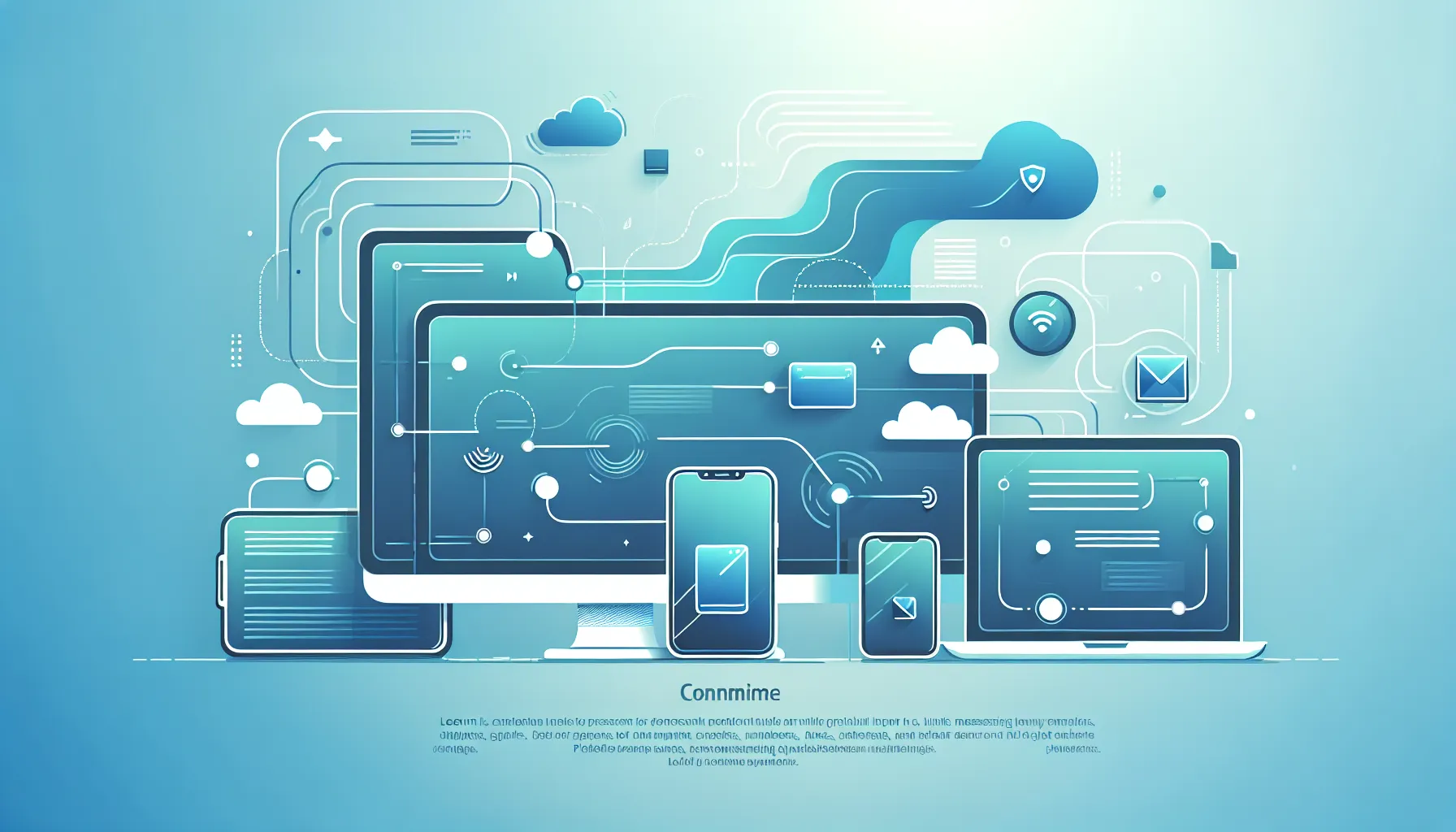
Your customers don't reach you through a single channel. While one chats on your website, another sends a message via WhatsApp, and a third asks questions through Instagram DM. Running a separate bot or separate team for each channel is both expensive and leads to an inconsistent customer experience. A multi-channel chatbot strategy consolidates all these channels into a single AI engine and a single inbox.
Key Concepts
- Unified Inbox: A structure where all conversations from different channels can be viewed and responded to from a single panel.
- Shared Knowledge Base: A central content repository where all channels use the same product, service and FAQ information.
- Channel-Specific Behavior: Each channel has its own rules; strategy should account for this.
Channel-Specific Tips
Web Widget
The widget embedded on your website is the first point of contact with visitors. The goal here is to provide information and collect leads. Enable the proactive message feature: if a visitor has been on the page for 30 seconds, a "How can I help you?" bubble should automatically appear. The bot can offer personalized responses based on the page content the user is browsing.
WhatsApp users expect a more personal and direct communication. Response time expectations are high. Smart automatic replies outside business hours are critical. Appointment reminders and order updates receive the highest open rates via WhatsApp. In 1Click Chat, you can set a separate notification priority for WhatsApp.
Instagram DM typically comes from product or service discovery: questions like "Is this product available?", "What is the price?" predominate. Catalog integration and guiding responses about visual content are critically important here. On Instagram, the bot's tone should be kept slightly more casual and brief.
Messenger
Facebook Messenger covers an older demographic or users coming from Facebook ads. Automated flows linked to advertising campaigns can instantly convert an ad click into a conversation. Set up the "See Ad, Send Message" flow for Messenger.
Setup Steps
- Build your knowledge base: Product/service information, FAQ, working hours and policies must be entered completely. This content will be used across all channels.
- Connect channels: Link WhatsApp Business API, Instagram Business account and Facebook page to the platform.
- Customize welcome messages by channel: The first welcome message for each channel should match that channel's tone.
- Define department and routing rules: Set up routing to the right team or bot flow for categories like sales, support and reservations.
- Test: Conduct a real test conversation from each channel; check response quality and routing accuracy.
- Start analytics tracking: How many conversations come from which channel, what is the bot resolution rate, which questions go unanswered? Review this data weekly.
Multi-Channel Structure with 1Click Chat
1Click Chat natively supports Web Widget, WhatsApp Business API, Instagram DM and Facebook Messenger. A single knowledge base feeds all channels; thanks to the unified inbox, operators manage all conversations from a single screen regardless of which channel they come from. There are no additional charges per channel; all channels are included up to the Business plan.